
I usually review pull requests in the browser. It works fine, and most of the time I do not think much about it.
But while working in Visual Studio, I noticed that pull requests can now be created and reviewed directly from the IDE. I had seen Git features in Visual Studio before, of course, but I had not really used the pull request flow there.
So I tried it on a small README change, just to see how it feels.
Creating the pull request
After pushing my branch, Visual Studio showed a small link to create the pull request.
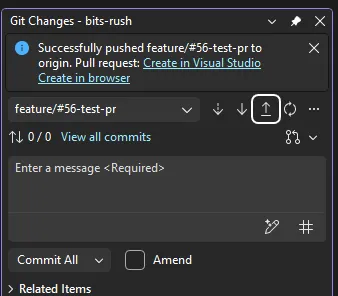
Clicking it opened a pull request window inside Visual Studio. The nice part is that the diff is already there, next to the title and description fields.
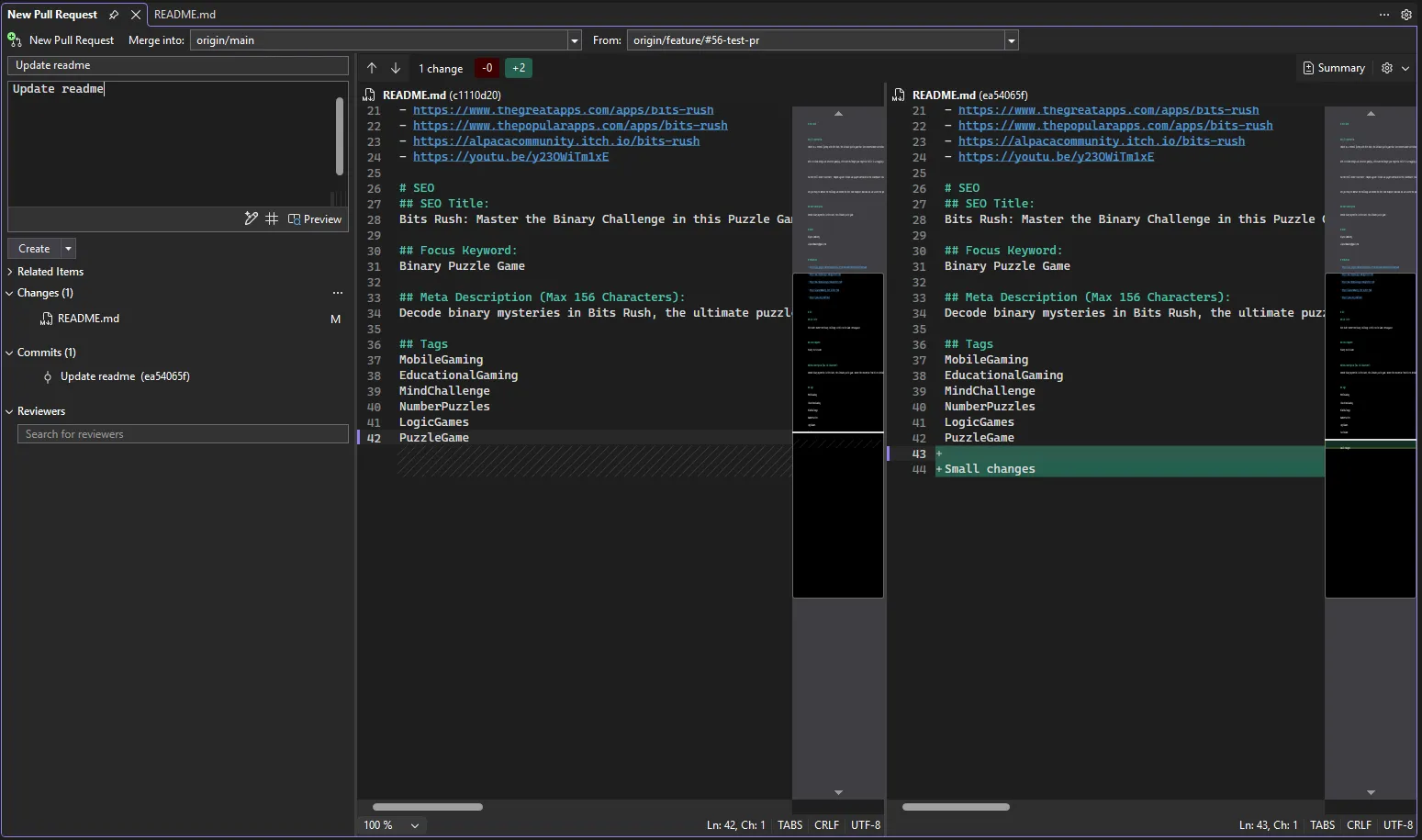
For a small change, this felt very quick. I did not need to switch to the browser, find the branch, and open the compare page. Visual Studio already knew what I had just pushed.
After creating it, Visual Studio showed the new pull request number and the source and target branches.
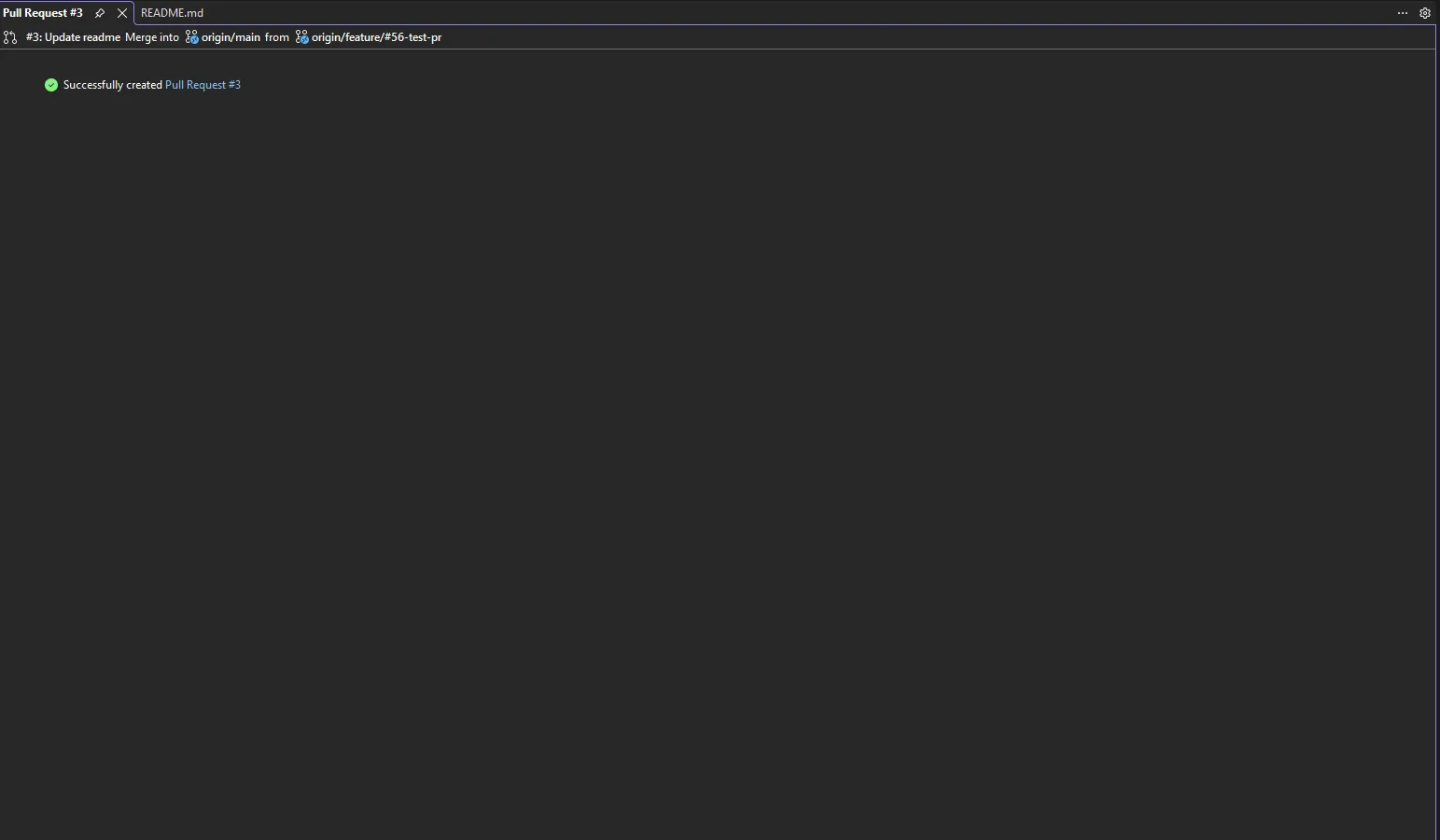
Nothing fancy, but that is kind of why I liked it. It just stayed close to the code.
Finding pull requests later
There is also a menu item for this:
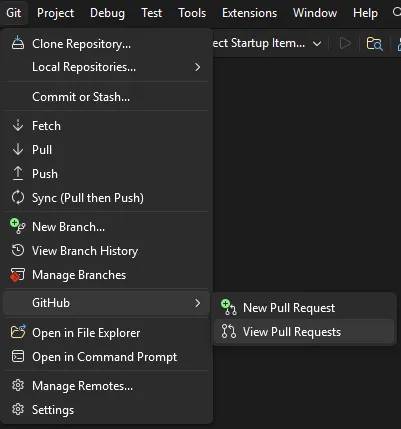
From the top menu, it is under Git, then GitHub, then View Pull Requests.
This opens the pull request list in the Git Repository window. From there, I could open an active pull request and inspect the changes.
Reviewing the changes
The review screen is probably the part I found most useful.
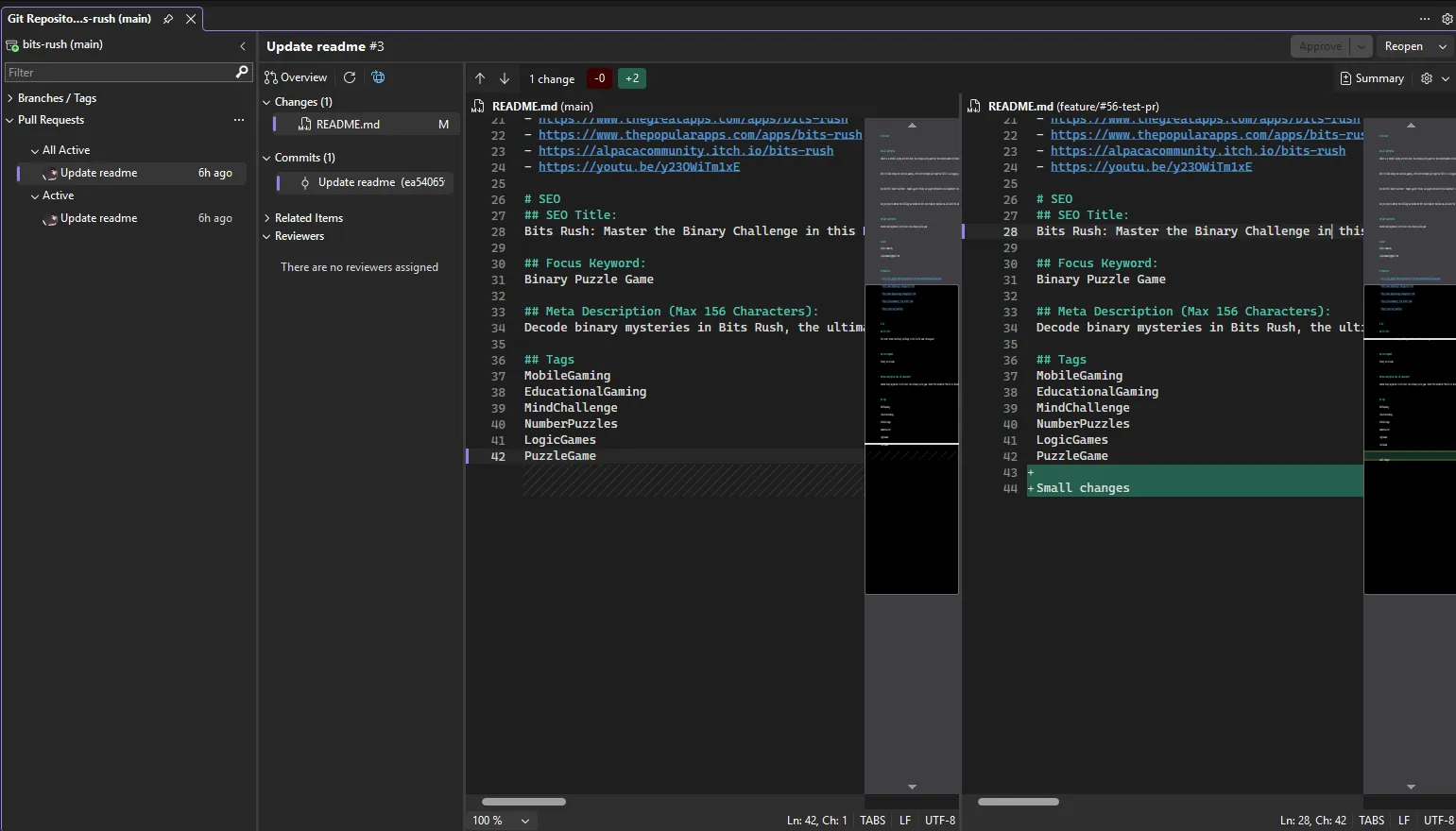
It shows the pull request overview, the changed files, the commits, and the diff in the editor area. For code reviews, that feels more comfortable than a browser diff, especially when I want to jump around the file or read the change with the project already open.
There is also an approve button in the same window. I still think bigger reviews may need the browser, especially when there is a long conversation or many comments. But for small changes, this is a pleasant way to stay focused.
My takeaway
I do not think this replaces every GitHub review flow. I still like the browser for discussion-heavy pull requests.
But for small PRs, quick checks, or reviewing a change while already working in Visual Studio, this is a handy feature. It feels like one of those small things you only notice after using it once.
If you live in Visual Studio for .NET work, it is worth trying the next time you push a branch.
Originally published on Alpaca Apps.